

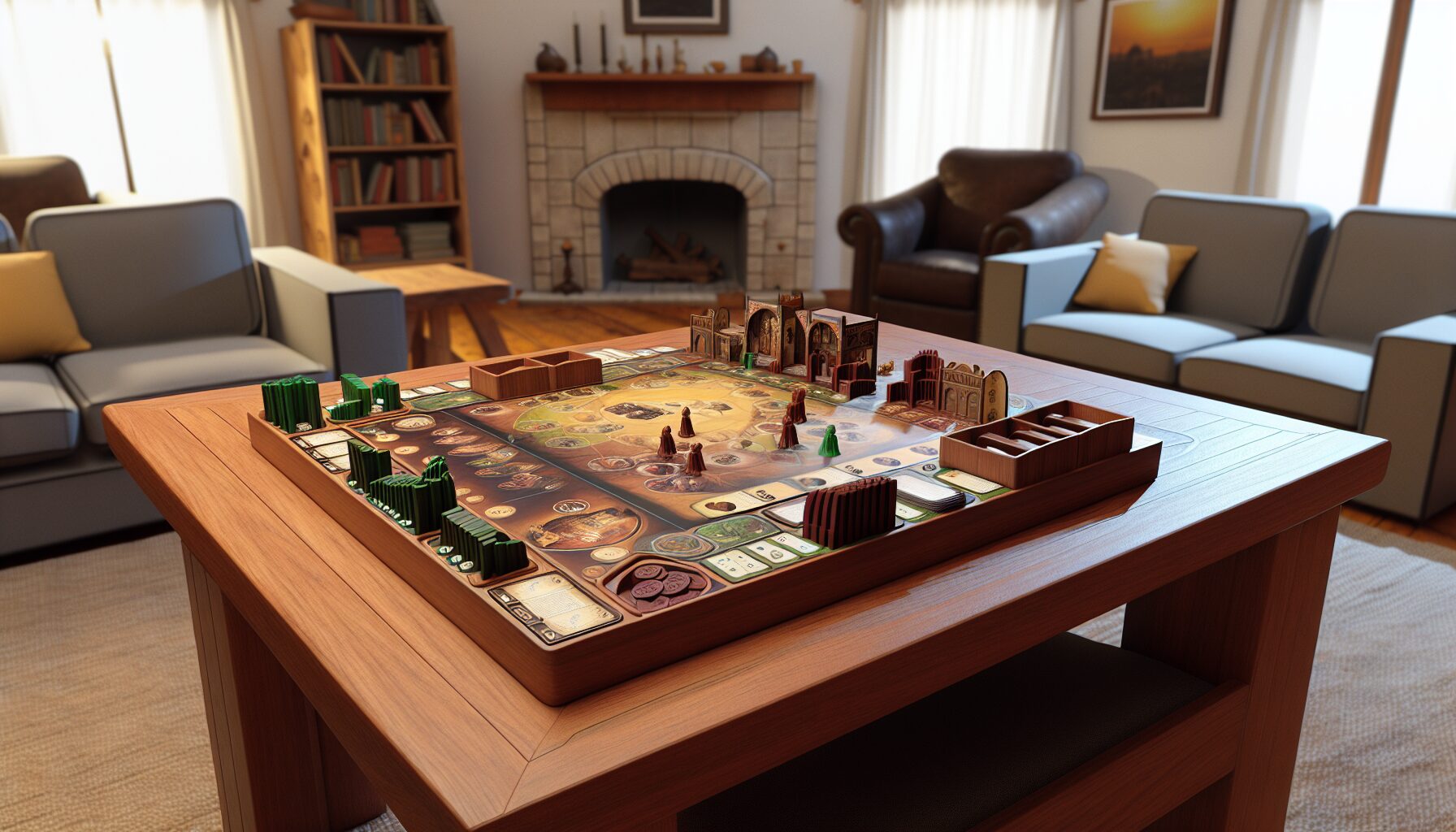
When it comes to holiday gifts, few things are more personal than something you’ve made yourself. This past Christmas, I decided to take that idea to the next level by 3D printing an entire board game for my family. The result? A unique, hands-on project that combined creativity, technology, and a lot of trial and error.
Why 3D Print a Board Game?
Board games have always been a staple in my family’s holiday traditions. From classics like Monopoly to modern strategy games, we love gathering around the table for some friendly competition. So, when I stumbled upon a 3D printable board game called Terraforming Mars: Ares Expedition on Thingiverse, I knew I had found the perfect gift idea.
3D printing a board game offers several advantages: customization, cost-effectiveness (if you already own a printer), and the satisfaction of creating something tangible from scratch. It also allows for a level of personalization that store-bought games can’t match.
The 3D Printing Process: Tools, Time, and Troubleshooting
To bring this project to life, I used my trusty Creality Ender 3 V2, a popular and affordable FDM 3D printer. The files I downloaded included everything from player boards and resource tokens to card holders and game trays. I used PLA filament in various colors to differentiate components and add visual appeal.
Printing all the parts took over 100 hours in total. I ran the printer almost non-stop for two weeks, carefully monitoring each print to avoid failures. Some pieces required supports, while others needed fine-tuning in the slicer software (I used Cura) to ensure proper adhesion and detail.
One of the biggest challenges was warping—especially with larger flat pieces like the main board. I solved this by using a heated bed, applying glue stick for better adhesion, and adjusting the print speed and temperature settings. I also had to reprint a few parts due to layer shifting and under-extrusion issues.
Assembly and Finishing Touches
Once all the parts were printed, I moved on to assembly. This involved removing supports, sanding rough edges, and gluing some components together. I also painted a few details to enhance the aesthetics, using acrylic paints and a fine brush.
To complete the game, I purchased a retail copy of Terraforming Mars: Ares Expedition for the cards and rulebook. The 3D printed components replaced the cardboard tokens and trays, giving the game a premium, custom feel. I even printed a custom box insert to keep everything organized.
The final product looked fantastic—and more importantly, it played just like the original. My family was impressed not only by the quality but also by the thought and effort that went into the gift.
Lessons Learned and Tips for 3D Printing Board Games
If you’re considering 3D printing a board game, here are a few tips based on my experience:
- Plan ahead: Printing takes time, so start early—especially if you’re working toward a holiday deadline.
- Use quality filament: Cheap filament can lead to poor results. Stick with trusted brands for consistent prints.
- Test print small parts first: This helps you dial in your settings before committing to larger pieces.
- Don’t be afraid to reprint: Mistakes happen. Reprinting a flawed part is better than settling for subpar quality.
- Customize where possible: Add your own flair with colors, textures, or even personalized game pieces.
3D printing a board game isn’t just about the end product—it’s about the journey. From downloading files to watching each layer build up, the process is as rewarding as the final result. And when you see your family enjoying something you made with your own hands, it’s all worth it.
Source: GamesRadar+

